Technical
Why ComfyUI Runs Out of Memory: Pinned Memory and Offloading Explained
· RenderBob team
When a ComfyUI video job dies with a CUDA out-of-memory error, the instinct is to blame the GPU. Often the real story is more subtle, and understanding it turns a mysterious crash into a solvable one.
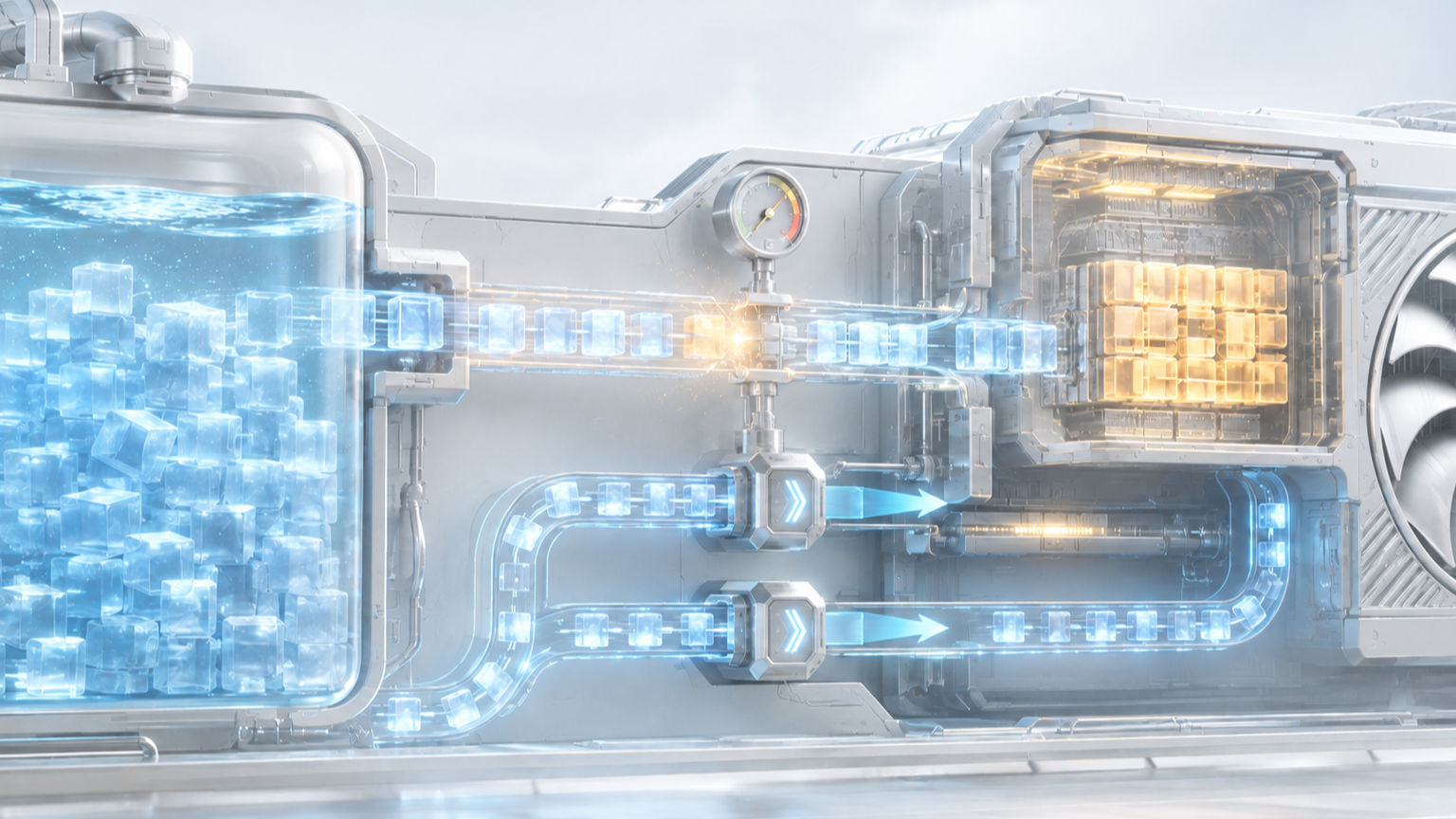
When a ComfyUI video job dies with a CUDA out-of-memory error, the instinct is to blame the GPU. Often the crash started one tier up, and naming that tier is what makes it solvable.
Start with the memory hierarchy. A model lives on disk, gets loaded into system RAM, and is moved into GPU VRAM for the actual compute. Video models are large enough that they cannot all sit in VRAM at once, so ComfyUI offloads, shuttling weights between RAM and VRAM as they are needed. That handoff is where a lot of 2026's crashes actually happen: not during denoising, but during loading and weight casting, as the system tries to stage a large model.
Pinned memory is an optimisation on that handoff. It locks a region of host RAM so data can move to the GPU faster. Pinning consumes real system RAM budget, and under RAM pressure the pinning path can fail or cascade into an OOM. This is why a common fix for Wan and MiniMax H3 crashes is launching with pinned memory disabled: it trades a little transfer speed for stability by removing that pressure. The crash was a RAM-management problem wearing a VRAM-error costume.
Offloading has its own failure modes. Several 2026 regressions involved models not being released from RAM after moving to VRAM, driving constant pagefile activity: the system swapping to disk, thrashing the SSD, and grinding to a halt. Again, the GPU might show headroom while the job dies, because the bottleneck moved upstream to RAM and disk.
ComfyUI's answer has been smarter memory management: adaptive model loading that stages weights dynamically and reduces both OOMs and Windows shared-memory spilling, plus a family of launch flags (low-VRAM mode, async offloading, disabling smart memory or pinned memory) that let you tune the handoff to your hardware.
When a job OOMs, ask which memory ran out: VRAM during compute, RAM during load, or disk during swap. The answer points to a different fix, and only one of those fixes is "buy a bigger card." Most are configuration. Profile each node's real memory behaviour rather than trusting the spec sheet. The difference between a node that completes a job and one that dies on it is often a launch flag, not a card.
More from the blog
- Human Authorship Is Becoming the Unit of Value
The Oscars' 2026 AI rules, Cannes' unpublished competition stance, a patchwork of festival policies, and the Thaler copyright denial all ask how much of a film a human authored.
- Ideation Is the Green Zone: Where Studios Allow AI and Where They Stop
Netflix's generative AI guidance for production partners treats concept work as the open case and final deliverables as the restricted one. That split is spreading as a working template.