Guides
Prompting With References: A Field Guide to Frames, Keyframes, Continuations and Edits
· RenderBob team
Current video models take start frames, end frames, keyframes, identity refs, motion, voice, continuations, and edit instructions. Each input solves a different miss.
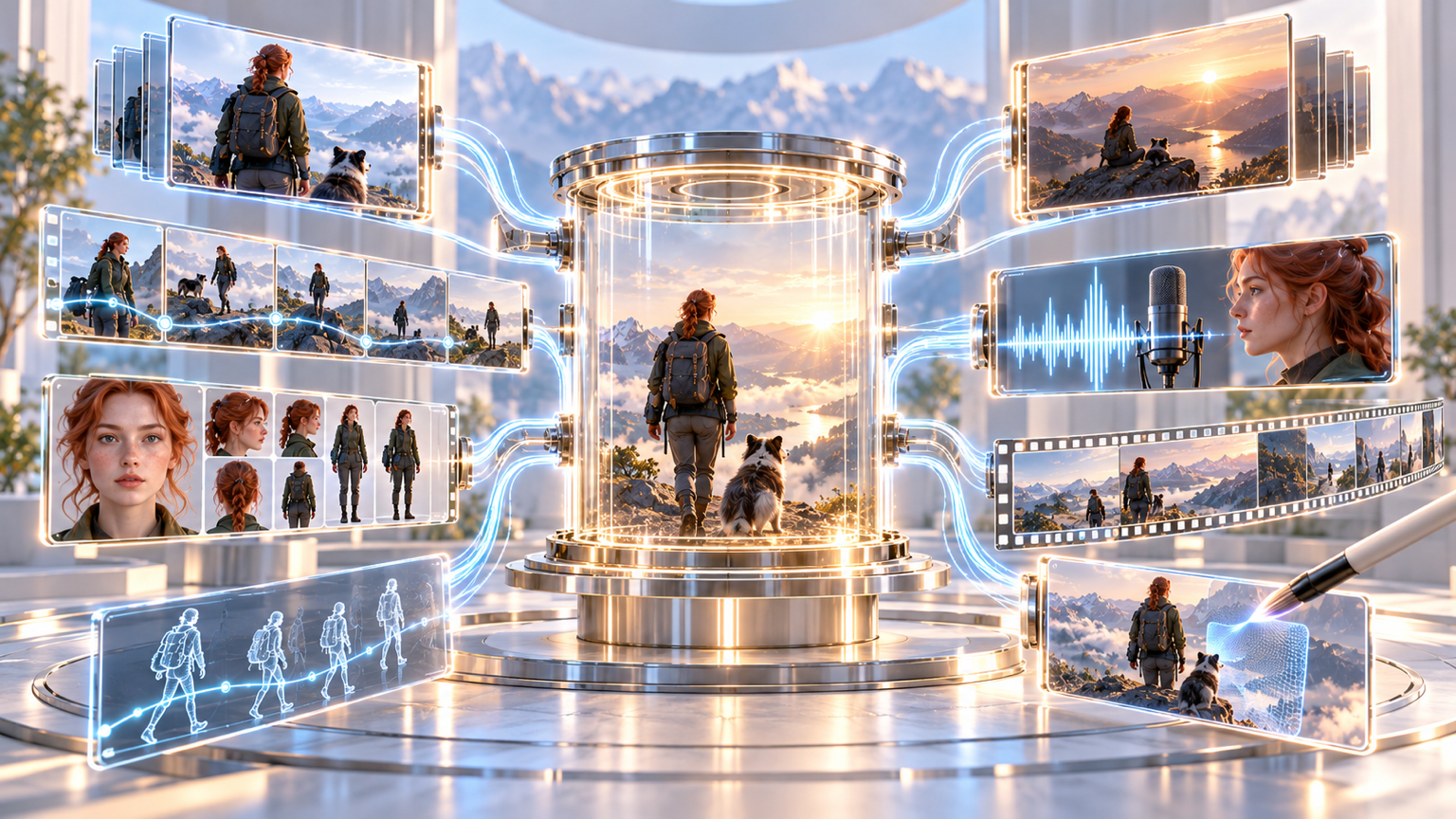
Modern video models take far more than a text prompt. Knowing which kind of input solves which problem saves attempts, and attempts cost money, as the October price check spells out. The map below follows what current models document. Limits change often, so confirm them against each provider's docs.
Text only
Best for exploration and for generic atmosphere. Weakest for identity and exact composition.
Start frame
Use image-to-video when you know the opening composition. It anchors framing, subject, and look, and lets the model work out the motion.
Start and end frames
Use these when the destination matters, such as a transition or a held pose. Wan 3.0 treats two supplied images as first and last frames automatically. Veo 3.1 is cited for last-frame control.
Multiple keyframes
FLUX 3 Video accepts one to ten pinned keyframes in order, which suits controlled sequences and storyboards. Runway's Aleph 2 takes up to five keyframe images as guidance when editing.
Subject and identity references
Use these when a character, product, or location must stay the same. Wan 3.0 accepts up to ten images. Kling O1 takes up to seven mixed inputs. FLUX 3 Image is reported to accept up to ten references.
Motion and voice references
Reference videos carry gesture and movement. Reference audio carries voice. Wan 3.0 accepts up to five of each, with about 15 seconds in total per type.
Continuation and extension
Use this to lengthen a clip. FLUX 3 caps continuation at 15 seconds. Wan 3.0 and Veo 3.1 offer extension. Check the join frame by frame.
Video-to-video edit
Use this to change a real or generated clip rather than make a new one, as with the prompt-based editing models.
Rules of thumb
- Pick the lightest input that carries your constraint. Extra references can conflict.
- Image references fix appearance, not motion. If movement matters, add a motion clip or describe it.
- Write the prompt to describe what changes, not to re-describe what the references already show.
- Keep reference sheets under neutral lighting, so the model learns identity rather than a mood.
- For two characters in one shot, make them visually distinct and test early.
- Draft first where a draft tier exists, then spend full price on the approved shot.
- Log which references and settings produced each approved clip, so you can regenerate it on another model.
A quick decision aid
- If it does not look like your character, add subject references.
- If it ends in the wrong place, add an end frame.
- If it moves wrong, add a motion reference.
- If it is almost right, try an edit rather than a regeneration.
What to watch
Standardisation. Today each vendor names and limits these modes differently, which makes a workflow hard to port.
More from the blog
- "$300 Million Versus $70 Million": How to Read Budget Claims for AI-Made Films
The producers of Bitcoin: Killing Satoshi say a $70 million AI-assisted film would have cost over $300 million to shoot conventionally. Both numbers are theirs, and the $70 million was not itemised.
- Text in Images Is Getting Reliable, but Proofread It Anyway: Ideogram 4.5, GPT-Image-2.5 and Nano Banana 2.1
Ideogram 4.5, GPT-Image-2.5, and Nano Banana 2.1 advertise reliable text in images. Ideogram's own guide still shows wrong numbers, extra headings, and lines that wrap and drop punctuation.