News
Generation Lands on the Premiere Timeline: Adobe's New Generative Media Tool
· RenderBob team
At IBC in September, Adobe showed a Generative Media tool that generates video and sound in the Premiere timeline, with Firefly and partner models.
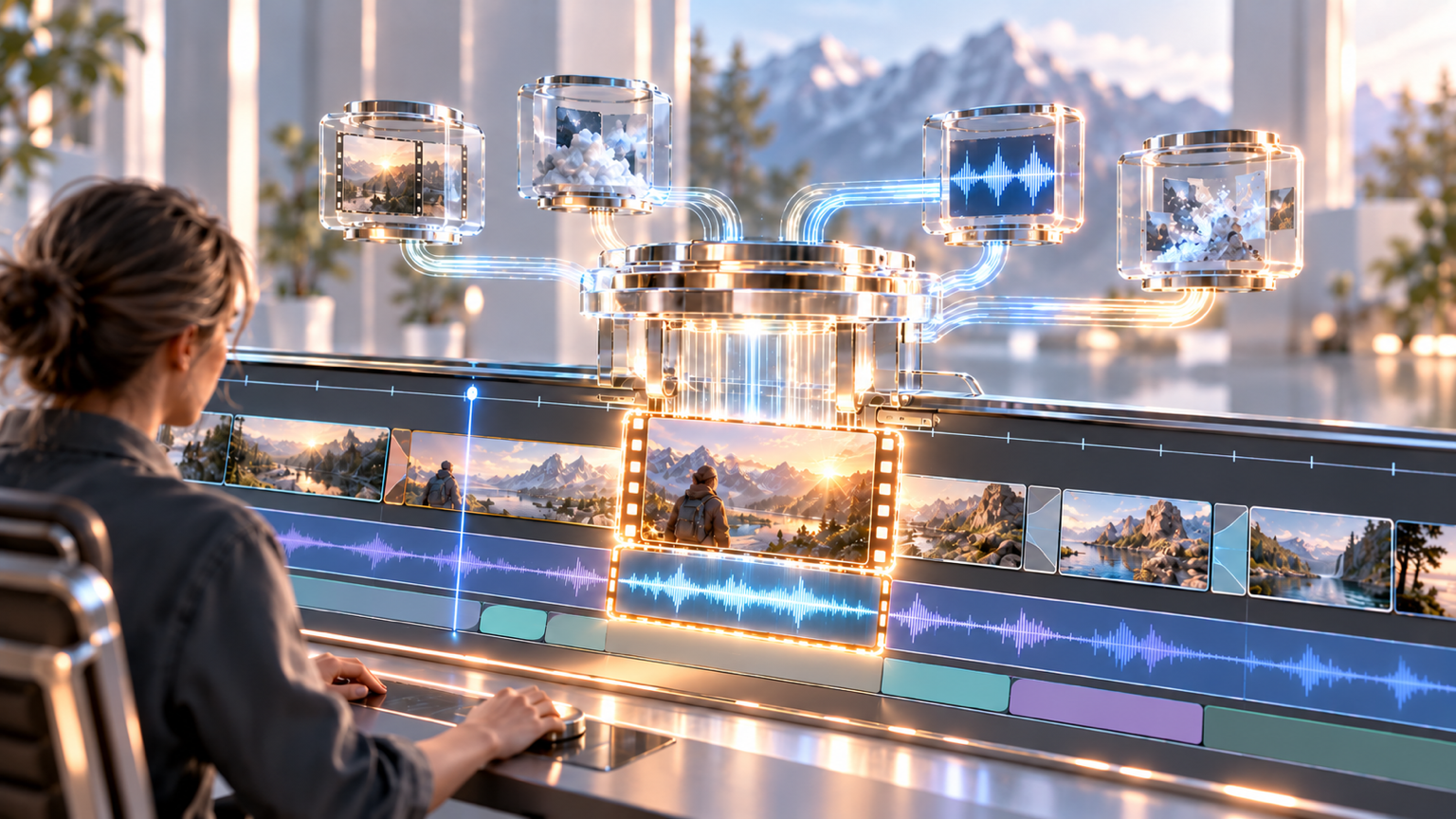
At IBC in September, Adobe showed a Generative Media tool that generates video and sound in the Premiere timeline, with Firefly and partner models from Google, Kling, Runway, and Luma.
At IBC 2026 on 8 September, Adobe announced a Generative Media tool for Premiere that generates video and sound effects inside the timeline. Until now most of Adobe's generative video work lived in the Firefly video editor and web app. This moves it next to the cut.
What was announced
The tool lets an editor select it, describe what they need, and get video or audio clips that can be edited and iterated without leaving the project. At launch, the model choices include Adobe Firefly and partner models from Google Veo, Kling, Runway, and Luma. Generate Video fills gaps in the timeline using reference frames sampled from the project so the new footage better matches the surrounding edit. Generate Sound Effects uses what Adobe calls its commercially safe audio model and can take a voice performance to guide rhythm, timing, and intensity. Generate Soundscape, in beta, analyses up to 15 seconds of video to build layered ambience and effects. Generate Music, also beta, creates original music with variations and tempo and loop controls. Adobe says the generated music is commercially safe with synchronisation rights.
The audio updates
Enhance Audio gives independent control over dialogue, music, ambience, and effects within a clip. Separate Crosstalk splits overlapping speakers into separate tracks. Dynamic Auto Ducking balances dialogue and music without manual keyframes. After Effects gets AI Assistants in public beta.
Why the model menu matters
A menu of five model families inside one timeline matches the per-clip model choice this blog has argued for. It also means each clip arrives under different terms. Adobe's commercially safe claims are stated for its own audio and music models. Partner models bring their own licence and disclosure terms. A gap filled with a Kling clip and a gap filled with a Firefly clip are not the same legal object.
What to do with it
Log which model made which clip, mark generated clips in the timeline, and keep the prompt and reference frames with the project. Our B-roll guide's rule applies here: if a viewer could take the shot as documentation of something real, disclose it or do not use it. Gap-filling is fast now, and the decision about whether to fill stays with the editor.
What to watch
Adobe's rollout timing for each tool, which we did not find confirmed, whether provenance data travels with generated clips on export, and what Adobe MAX in Miami on 10 to 12 November adds.
More from the blog
- Higgsfield Says AI Video Now Runs Past 10 Minutes: What an OpenAI Customer Story Does and Doesn't Show
An OpenAI customer story from 13 October says Higgsfield can now produce AI video longer than 10 minutes using GPT-6 Astra. The claims are the company's, and no independent test has been published.
- Disney Bids $20 Million for a License to Character.AI's IP: What the Stalking-Horse Deal Does and Doesn't Say
Character.AI filed for Chapter 11 on 12 October, and Disney Worldwide Services is the opening bidder at $20 million for a non-exclusive, perpetual licence. Higher bids can still come in.